
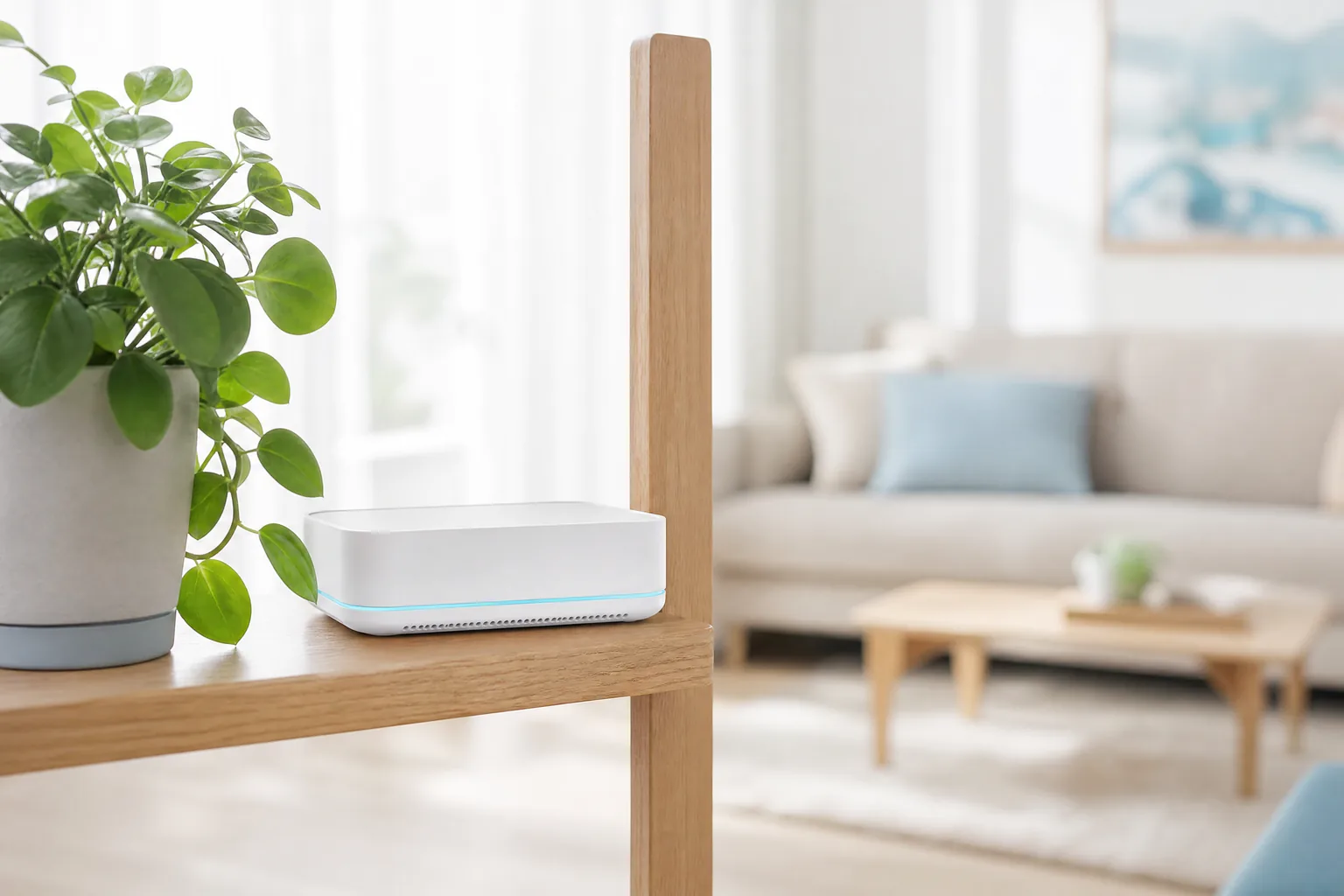
You can get Wi-Fi without a landline by using an LTE router or 5G router with a data SIM: the router picks up the mobile network and shares it over Wi-Fi throughout your home, with no phone line, no technician appointment and no cable connection. In many cases this is up and running within a few days and works anywhere the signal is good. Three things decide whether it is right for you: how strong the network is at your address, how much data you really use each month, and whether you can do without some of the rights that only a traditional landline connection (Festnetzanschluss) gives you. This guide explains how internet without a landline works, who it suits and how to check the signal before you sign a contract.
Key points at a glance
- For Wi-Fi without a landline you need an LTE router or 5G router, a suitable SIM card and a power socket. You do not need a phone socket or a cable connection.
- Your speed depends on the signal at your address, not on the wiring in the building. That is why you should check network coverage before signing a contract.
- Plans with unlimited data work as a replacement for DSL. Plans with a fixed data allowance are throttled once you have used it up.
- With a purely mobile connection, some of the consumer protection rights that apply to landlines are limited, for example when your internet is too slow.
- Internet without a landline makes most sense for short tenancies, second homes, after a move to a flat without an available line, and for small households.
How do I get Wi-Fi without a landline connection?
You get Wi-Fi without a landline connection by running a mobile router with a SIM card for data. The router sits in your home, plugs into a power socket and connects to the internet over the mobile network. Your laptop, smart TV, tablet and phone then connect to the Wi-Fi as usual – for your devices it makes no difference whether there is a DSL line or a mobile mast behind it.
There are two other options that people often mean by “without a landline”. The first is a cable or DSL connection without telephony: the line is in the building, but you only book internet and no phone flat rate. The second is a hotspot from your own phone, which is enough for occasional browsing but drains the battery quickly and rarely works for a whole family.
This guide is about the first and genuine option: a router with a SIM card that fully replaces the home connection. It is the solution when there is no usable line in the flat, when you do not want to wait weeks for a connection, or when you do not want to tie yourself to one address for 24 months.
How does an LTE router or 5G router work at home?
An LTE router or 5G router works like a phone that shares its internet over Wi-Fi with every device in the household. Inside the device is a SIM card that connects to the mobile network. The router's antennas are usually larger and more sensitive than a smartphone's, so in many cases the signal in the same spot is better than on your phone.
LTE is the fourth-generation mobile standard (4G) and is available almost everywhere in Germany. 5G is its successor and offers higher speeds and short response times, but coverage still varies from place to place. A 5G router can usually use LTE as well and switches automatically when no 5G is available.
There are two types of device. A stationary router sits on a shelf like a normal Wi-Fi router and runs on mains power. It serves several devices at once and often has LAN ports for a TV or games console. A mobile router, often called a “MiFi”, is small, has a battery and fits in a jacket pocket. It is handy on the go, but usually too weak as a permanent solution for a household.
Choosing the right SIM card matters. Many network operators offer their own home plans that only work in a stationary router and are sometimes tied to a specific address. Other plans are normal data plans that you can use in any device. Check before signing whether the plan is tied to a location – if you want to take the router to a second home or on holiday, you need a plan without this restriction.
Cable, DSL or mobile: which connection is right for me?
Which connection suits you mainly depends on which lines are in your building, how long you will live there and how many people are online at the same time. A fibre or cable line is usually the most stable choice for large households that stream a lot. Mobile internet plays to its strengths where things need to happen fast or no good line is available.
| Feature | DSL | Cable / fibre | Mobile (LTE/5G) |
|---|---|---|---|
| Requirement | Phone socket with a free line | Cable or fibre connection in the building | Good signal at the address |
| Setup | Activation by the provider, often with a waiting time | Activation, sometimes with a technician appointment | Plug in the router, insert the SIM |
| Speed | Depends on line length | High and stable | Depends on signal and load on the mobile cell |
| Data allowance | Unlimited | Unlimited | Limited or unlimited depending on the plan |
| Moving house | New activation at the new address | New activation at the new address | The router moves with you, unless the plan is tied to a location |
| Typical use | Households without cable or fibre | Families, home office, lots of streaming | Short tenancy, second home, temporary solution |
The table shows the real trade-off: mobile internet is much more convenient when you start out and when you move, but performance varies with the network. In the evening, when many people in the neighbourhood are streaming, the mobile cell is shared by more users and the speed drops.
For a family of four in a three-room flat, where two children watch videos at the same time in the evening and one parent works from home, a cable or fibre connection is therefore usually the better basis. For someone in a shared flat who mainly watches series and does research for university, a router with a SIM card can be perfectly sufficient and saves the hassle of a contract that runs longer than the tenancy.
How much data do I need for internet without a landline?
If Wi-Fi without a landline is your only internet access at home, in most cases you need a plan with unlimited data. With a DSL connection you never think about gigabytes. With a router and SIM card you do, because many plans include a fixed monthly allowance, and after that the speed is throttled.
Throttling means that once your included data is used up, the provider reduces your speed to a very low level until the end of the billing month. Messages and emails still work, but video streaming or video calls hardly do. Some plans let you buy extra data for a fee.
The biggest consumer is almost always video. One hour of HD streaming uses roughly one to three gigabytes depending on the service and quality, and considerably more in 4K. Updates for consoles and TVs add to this without you noticing. A household that streams regularly in the evening quickly reaches several hundred gigabytes a month.
As a rough guide, this breakdown helps. If you only browse, read emails and watch the occasional video, a plan with a data limit is often fine. If you stream every day, take part in video conferences from home or play online, you should choose a plan with no data cap. Read the small print on so-called flat rates too: some plans include a fair-use clause that can limit your speed if your usage is very high.
How do I check the signal at my address?
The most reliable way to check the signal is in two steps: first on the map of the Federal Network Agency (Bundesnetzagentur), then with a measurement inside your flat. As part of its mobile coverage monitoring, the Bundesnetzagentur publishes a map showing the coverage of each network operator at your address. As of January 2025, it shows 4G on around 97.5 percent and 5G on around 93.9 percent of Germany's land area.
These figures sound reassuring, but there is a catch. The map shows outdoor coverage and is based on information from the network operators. On its consumer page on mobile coverage, the Bundesnetzagentur itself points out that walls, insulated glazing or a location in a valley can weaken the signal inside buildings considerably. A ground-floor flat in an old building may therefore have worse coverage than the map suggests.
Here is how to go about it step by step:
- Open the Bundesnetzagentur coverage map and enter your address. Note which networks offer LTE or 5G there.
- Check the network operators' own maps. They often distinguish more precisely between outdoor and indoor coverage.
- Measure inside the flat with your own phone, ideally with a SIM card from the network you want to use. The free broadband measurement app from the Bundesnetzagentur shows the network technology and speed.
- Measure in several places and at different times, including in the evening. The signal is usually better by the window than in the middle of the flat.
- Ask neighbours or the previous tenant which network works well in the building.
- If possible, use a right of return or a trial period before you commit to a plan with a long minimum term.
Where you place the router makes a big difference. Put it as high as possible and near a window facing the nearest mobile mast. If the signal is very weak, routers with ports for an external antenna can help.
What rights do I have with internet without a landline connection?
With internet without a landline connection, you have the usual rights of a mobile customer, but not all the rights that the German Telecommunications Act (Telekommunikationsgesetz, TKG) provides for a fixed connection. The consumer advice centre Verbraucherzentrale expressly points this out: with a purely mobile connection, some consumer protection rights cannot be enforced.
This mainly concerns speed. With a landline, you can use the official measurement procedure of the Bundesnetzagentur to prove that your connection is permanently too slow, and then reduce the price or cancel. The desktop measurement intended for this is designed for fixed connections. With mobile internet, such proof is much harder because the speed varies with location, time of day and network load.
On contract terms, however, the same rules apply as for any telecommunications contract. Under Section 56 TKG, the initial minimum term may not exceed 24 months. After that, you can cancel a tacitly extended contract at any time with one month's notice. Many router plans are also available without a minimum term.
When you move house, the router gives you a real advantage. A landline connection has to be activated again at the new address. If the provider cannot supply it there, you may cancel with one month's notice under Section 60 TKG. A router with a plan that is not tied to a location, by contrast, simply comes with you and is plugged in again in the new flat.
Who is Wi-Fi without a landline worth it for?
Wi-Fi without a landline is worth it above all for people who want to stay flexible, need internet quickly or live in a flat without a usable line. For large households with a lot of simultaneous use, it is more a temporary solution than a permanent replacement.
Students and apprentices: If you only live in a shared flat or student residence for one or two semesters, you do not want to tie yourself to a landline contract for two years. A router with a plan you can cancel monthly fits your situation better and simply moves with you next time.
Second homes and weekly commuters: If you work in another city during the week, you usually only need internet there in the evening. A second landline connection with its own base fee is rarely worth it; a data plan in a router is leaner.
After a move: Several weeks often pass between moving in and the activation of the new landline connection. A router with a SIM card bridges this gap so that home office, school and TV do not grind to a halt. If you are moving, plan internet, electricity and gas in one checklist – our guide on how to register electricity in your new home shows which deadlines apply.
Small households and older people: If you live alone or as a couple and mainly read the news, make video calls with family and watch something in the evening, you often do not need a fast landline. A router that works without a technician appointment is a simple solution here.
Internet without a landline is less suitable for households with several gamers, for large families with simultaneous 4K streaming and for people who rely on a guaranteed stable connection for working from home. Here, a cable or fibre line remains the better choice.
What does Wi-Fi without a landline cost compared with DSL?
Wi-Fi without a landline is not automatically cheaper than DSL: plans with unlimited data are often priced in a similar range to a landline connection or above it. It mainly becomes cheaper if a limited allowance is enough for you or if you avoid paying a second base fee for a second home or a transition period.
Prices change often and differ by network, speed and contract term. So do not just compare the monthly price, but the total cost over the term. This includes the cost of the router, which may be bought, rented or subsidised, a possible connection fee and the price after any promotional period ends.
Also check whether you may keep the router when the contract ends. A rented router has to be returned, while a purchased router can often be used with another provider's SIM card. If you already have a mobile contract, ask whether there are better terms for an additional data SIM on the same customer account. Many families can sensibly bundle mobile service for all phones and home internet this way, for example if a plan with international options such as Ay Yildiz is already running in the household.
Frequently asked questions about Wi-Fi without a landline
Can I make phone calls with an LTE router?
That depends on the device and the plan. Some routers have a port for a landline phone and support calls over the mobile network. It is often simpler to use your mobile phone with an all-network flat rate for calls.
Is internet without a landline connection as fast as DSL?
With good LTE or 5G reception, it can be just as fast as or faster than an older DSL connection. However, the speed varies more, especially in the evening when many people are online in the same mobile cell.
Can I put my phone SIM into a router?
Technically this often works, but it is not always allowed. Some mobile plans exclude use in a stationary router in their terms and conditions. Check this beforehand or choose a dedicated router plan.
What happens if the signal in my new flat is too weak?
Test the signal before signing the contract and use your right of return if you order online. If you sign in a shop, it is best to clarify beforehand whether you can switch plan or network.
Wi-Fi without a landline with Connected Mobile
Whether a router with a SIM card performs well enough in your home depends on the network at your address and on your usage. We compare router plans, DSL and cable for your address, check network coverage and, if you wish, handle cancelling your old contract – in our shops in Moers and Duisburg, in German, Turkish, Kurdish or Arabic. You will find all our services for internet, mobile contracts and landlines for private customers on our home page, and more guides on the Connected Mobile Blog. Drop by with your new address and your last internet bill, or send us both via WhatsApp – we will check which network works where you live and which plan matches your usage.